

Sign in
Uses your existing Zammad account — SSO and 2FA included.
iOS · free · unofficial
Phammad connects straight to your self-hosted Zammad instance — your URL, your account, no server in between. Tickets, knowledge base, notifications and admin: everything you do at your desk, from the iPhone.
No Zammad instance? Phammad isn't for you — and that's perfectly fine.
Sign-in
Phammad checks that the instance address is reachable, then lets you choose: your existing Zammad account, or an API token.
Uses your existing Zammad account — SSO and 2FA included.
No admin-side configuration. The token is encrypted in the iOS Keychain and only ever sent to your instance.
Authorization: Token token=••••••••••The whole ticket
Your Zammad macros, applied in one tap from the ticket.
Canned answers inserted in the article, variables included.
The ticket's steps, ticked off from the phone.
@mention a colleague, follow a ticket without owning it.
Minutes logged per article, just like on the web.
Photos, files, linked tickets — all from the ticket.
Knowledge base
Categories, articles and attachments from your Zammad knowledge base, readable away from the desk — and shareable in a reply.
Notifications
Zammad's online notifications land on the iPhone. One tap opens the right ticket. Nothing urgent? The dashboard says so too.
Administration
Create a user from the hallway, adjust a role, fix an SLA or business hours — and generate a setup link to connect a colleague in one scan.
No relay, no analytics, no LaCobble account. Credentials stay in the iOS Keychain; data only ever travels to the URL you entered. Independent client, not affiliated with Zammad GmbH.
Preview
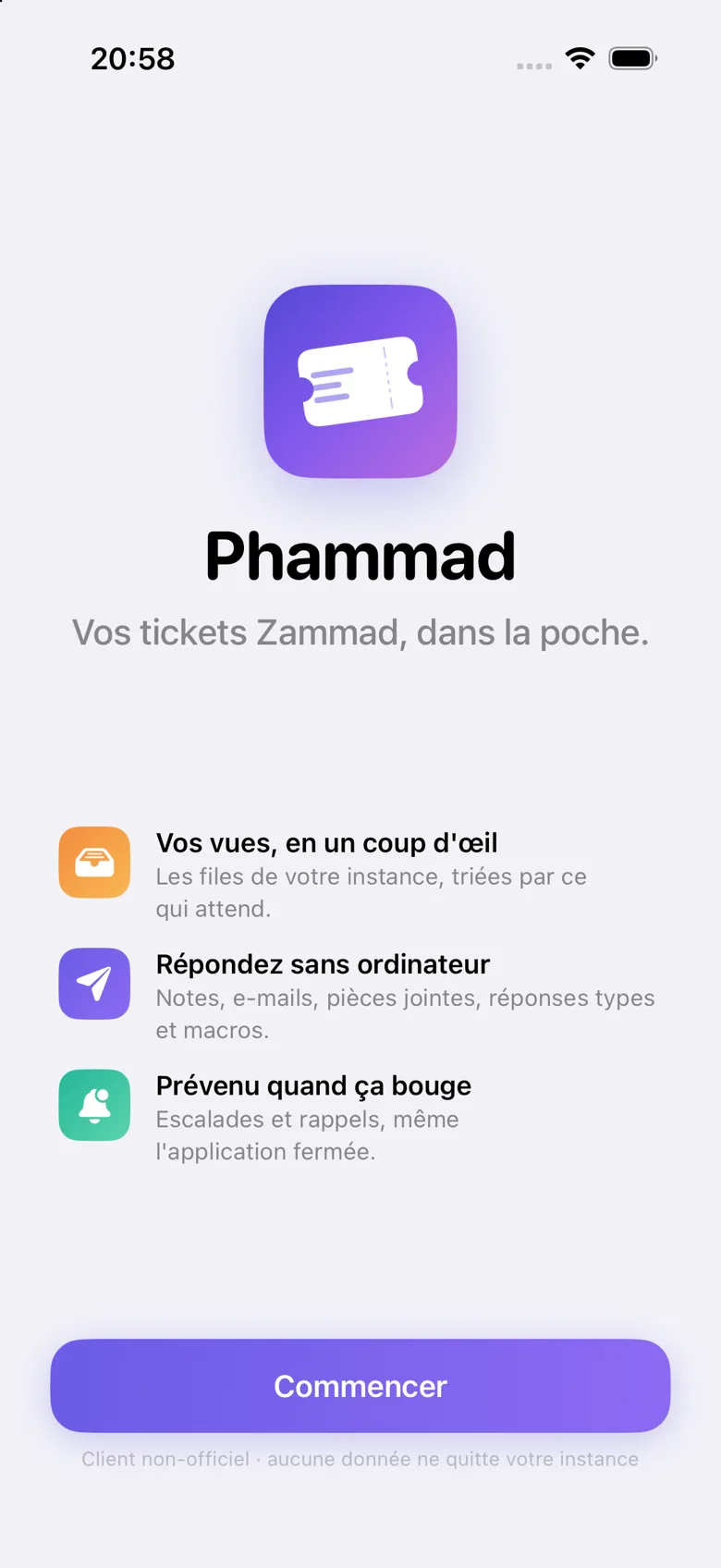
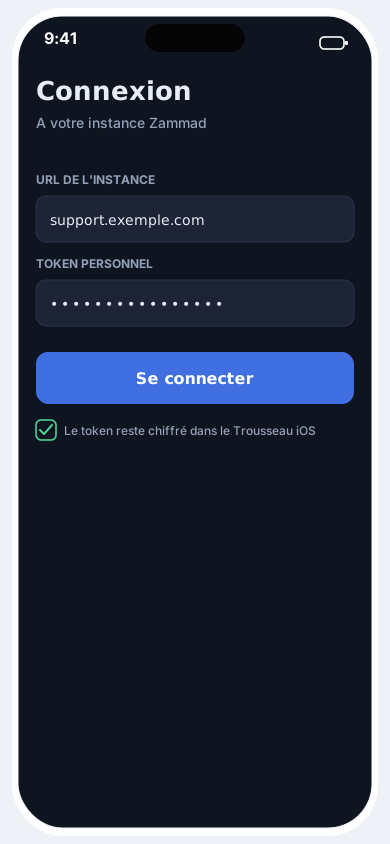
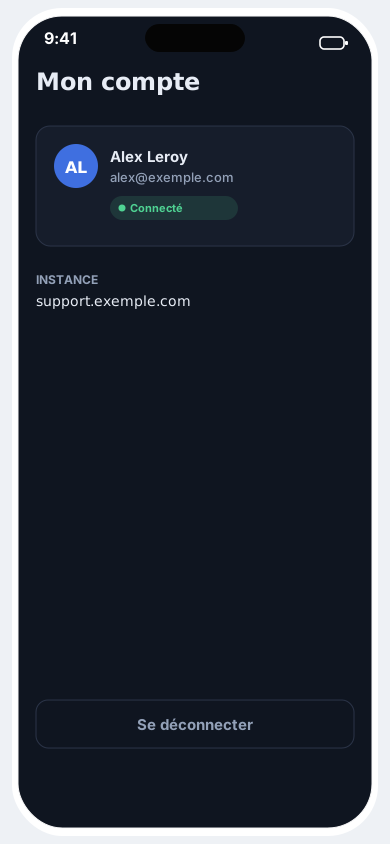
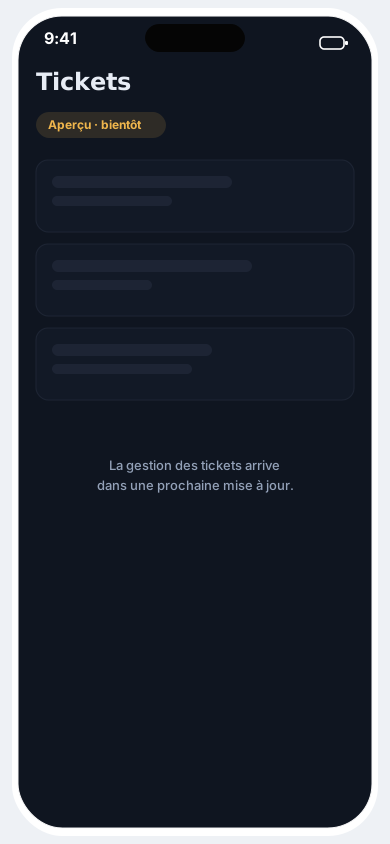
One URL, one secure sign-in, and your helpdesk in your pocket.
Download on the App StorePhammad isn't published on the App Store yet — the first reviews will appear here at launch.